
By Eric Stracke, Co-Founder of Dayframe | Co-Founder & Creative Director at Gorilla Creative
You know that sinking feeling. It's 6 AM on shoot day and the talent just texted that they're running an hour late. You're staring at a video production shooting schedule scribbled across three tabs of a Google Sheet that hasn't been updated since Tuesday. Half your crew is asking "what's the first setup?" The other half is still looking for parking.
Sound familiar? After producing hundreds of branded content and corporate video shoots at Gorilla Creative, we've learned that most production chaos doesn't come from bad luck. It comes from bad scheduling. The good news: building a solid shooting schedule isn't complicated. It just takes the right process.
This guide walks you through exactly how to create a video production shooting schedule from scratch, step by step. Whether you're planning a single-day interview or a multi-day commercial, you'll have a repeatable framework you can use on every project.
A shooting schedule is the master document that organizes your entire production day (or days) into timed blocks. It tells every person on set exactly what's being shot, where, and when. Directors, DPs, PAs, everyone.
It's different from a project timeline, which maps your project across weeks or months at a higher level. (We break down the difference between a shooting schedule vs. project timeline in a separate post.)
Think of the shooting schedule as your production's playbook. Without it, you're improvising. And improvising with a crew of 10 and a client watching costs money. Every 15 minutes of wasted set time on a mid-range branded content shoot burns roughly $200–$500, depending on crew size and day rate structure.
The short answer: always. The longer answer: the format scales with the complexity of the shoot.
For a solo creator filming a talking-head video in their office, a simple shot list with time estimates might suffice. But the moment you add complexity, you need a real schedule. That means multiple locations, more than one talent, a crew larger than three, a client who needs to approve the plan, or scenes tied to specific lighting conditions.
In our experience at Gorilla Creative, even "simple" corporate interview shoots benefit from a written schedule. When the VP of Marketing only has a 45-minute window, you can't afford to figure out lighting order on the fly.
Here's the exact process we use to build a video production shooting schedule for every project, whether it's a 30-second social spot or a three-day commercial.
Before you open any scheduling tool, you need to know what you're scheduling. Go through your script, storyboard, or creative brief and identify every distinct setup.
For each setup, note the location, talent involved, key props or wardrobe, and any special gear (jib, drone, Steadicam). Estimate how long it will take to light and shoot. This is your script breakdown. It's the raw material your schedule is built from.
Pro tip: Be ruthless about what counts as a separate setup. Moving the camera from a wide to a close-up on the same talent in the same location? That's usually the same setup. Repositioning to a completely different angle with a new light setup? That's a new one.
Every shoot has non-negotiable constraints that should anchor your schedule. These typically fall into three buckets.
Talent availability is usually the tightest constraint. If your CEO is only free from 10 AM to noon, that window dictates when every interview setup involving them happens. Build outward from there.
Location windows are next. Permit restrictions, business hours, and noise curfews all create hard walls. If your restaurant location only allows filming between 2 PM and 5 PM, your schedule needs to accommodate that block.
Daylight and weather matter for any exterior work. Golden hour doesn't wait for you. If you need magic hour shots, those go on the schedule first and everything else works around them.
This is where most first-time schedulers go wrong. They schedule in script order (Scene 1, then Scene 2, then Scene 3) even when Scene 1 and Scene 4 happen in the same location. That means your crew is packing up, driving across town, and coming back.
Always group setups by location first. Then order them logically within each location based on lighting direction, talent availability, and setup complexity. Shoot all your scenes in the conference room before you move to the warehouse floor.
We call this the "Location-First Rule," and it's the single biggest time-saver in film scheduling. On a recent two-day branded content shoot, regrouping from script order to location order saved us an estimated 90 minutes of company moves.
No schedule survives contact with reality. Murphy's Law is undefeated on set. The question isn't if something will go sideways, it's when.
Add a minimum of 15 minutes of buffer between setups. Schedule a full 30–45 minute lunch break and actually take it. Burned-out crews make mistakes. If you're shooting exterior, pad your schedule by 20% for weather contingencies.
A common mistake is treating buffer as "wasted time." It's not. It's insurance. On a recent corporate shoot for a financial services client, the CMO requested a last-minute wardrobe change between interviews. Our 15-minute buffer absorbed it without costing us a single setup later in the day.
Your schedule should include more than just shooting blocks. Layer in the full production day from the crew's perspective. That means crew call time, load-in, first shot, meal breaks, last shot, and wrap.
Crew call should be at least 30–60 minutes before your first shot, depending on setup complexity. If you're building a lighting setup from scratch, you might need 90 minutes. If you're rolling into a location with a pre-lit interview setup, 30 may suffice.
Don't forget to include a Day-Out-of-Days report for multi-day shoots. DOOD reports track which cast and crew members are needed on which days. They're essential for managing budgets and availability.
A schedule that lives only on your laptop is a schedule that doesn't exist. Once your shooting schedule is built, it needs to be in the hands of every single person on your crew at least 48 hours before the shoot.
This is where traditional tools fall apart. Emailing a PDF works until there's a change. Then you're resending and hoping everyone opens the new version. Google Sheets solves the version problem, but making changes in a spreadsheet is still slow and manual. Swapping two setups means editing multiple rows, adjusting times by hand, and reformatting.
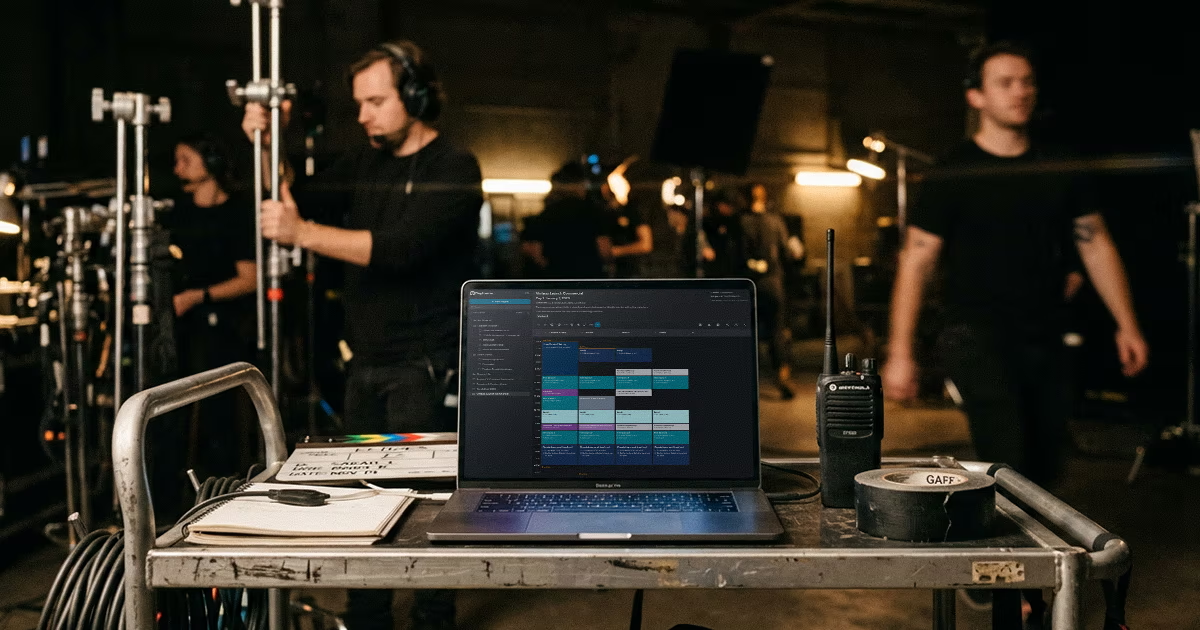
With Dayframe, you drag and drop time blocks to rearrange your day in seconds. Move one block or an entire group, and all the time readouts update automatically. Your crew gets a clean, visual schedule they can read at a glance instead of parsing spreadsheet rows.
Regardless of what tool you use, every shooting schedule template should capture these essential elements for each block of your day.
Each block in your schedule should capture a few essential elements. Start with the time block (start and end time) and the scene or setup number tied to your script breakdown. Add a brief description of what's being shot, the location, and the talent involved. Include any special notes for the crew, like "drone flying" or "client on set for approval."
Some producers also include gear notes per block. This is helpful when you have specialty items that need to be prepped. If your jib is only needed for two setups, flagging that on the schedule lets your grip know when to have it ready.
If you're looking to compare tools for managing your schedule, we reviewed the best video production scheduling software options in a separate breakdown to help you choose.
We covered this above, but it bears repeating because it's the most common mistake we see. Always group by location first.
You scheduled 30 minutes for the interview, but forgot the 20 minutes it takes to light it. Now you're behind before you've rolled a single frame.
Energy drops as the day goes on. Schedule your most demanding setups earlier when the crew is fresh. That means action scenes, product shots requiring precision, and scenes with large groups. Save simpler b-roll for the end of the day.
Union or not, meal breaks matter. If your crew hasn't eaten in six hours, morale and quality both suffer. Schedule your meal break and protect it.
A schedule change that doesn't reach your gaffer is a schedule change that didn't happen. Make sure your entire crew knows where to find the current schedule, and communicate changes immediately when they happen.
Here's how we applied this framework on an actual project: a two-day branded content shoot for a fintech startup.
The deliverables: one 90-second hero video, three 30-second social cuts, and a set of lifestyle b-roll stills. The crew included a director, DP, gaffer, grip, sound mixer, HMU, and two PAs. The client's marketing lead was on set both days.
Day 1 was office interiors: CEO interview, team collaboration b-roll, and product demo screen captures. We scheduled the CEO interview first (10 AM–11 AM) because she had a board call at noon. Team b-roll filled the gap between lunch and the afternoon product shots.
Day 2 was exterior and lifestyle: establishing shots of the building, outdoor "walking meeting" scenes, and lifestyle content at a nearby park. We front-loaded the exteriors to catch morning light and held the park location for afternoon golden hour.
The key insight: grouping all interior work on Day 1 and all exterior work on Day 2 eliminated three company moves. That saved roughly two hours across the production. We put that time straight back into getting better coverage and more variety in the b-roll package.
For most branded content and corporate video projects, finalize your schedule at least one week before the shoot date. That gives you time to circulate it, collect feedback, and make adjustments. Lock the schedule 48 hours before call time. After that, changes should only happen for true emergencies.
A shooting schedule organizes every scene, setup, and shoot day into timed blocks. A call sheet is different. It's a single-day document that tells each crew member when and where to show up, with details like parking instructions and contact numbers. Your shooting schedule informs your call sheet, but they serve different purposes.
You can, but you probably shouldn't once you're beyond a two-person crew. Spreadsheets are slow to edit and hard for crew members to scan quickly on set. Rearranging your schedule means manually adjusting rows, times, and formatting. Purpose-built tools like Dayframe let you drag and drop time blocks so changes take seconds, and the result looks like an actual schedule instead of a grid of cells.
First, accept that changes will happen. Then build your schedule with enough buffer to absorb them. When a change occurs, communicate it immediately to the full crew, not just the people directly affected. The faster you can rearrange and redistribute the updated schedule, the less confusion you'll deal with on set.
A great video production shooting schedule doesn't just keep your shoot on track. It earns your crew's trust, protects your client's budget, and gives you the breathing room to focus on the creative work.
If you've been cobbling schedules together in spreadsheets and email chains, we've been there. That's exactly why we built Dayframe: drag-and-drop scheduling that's fast to build, easy to change, and readable for your whole crew.