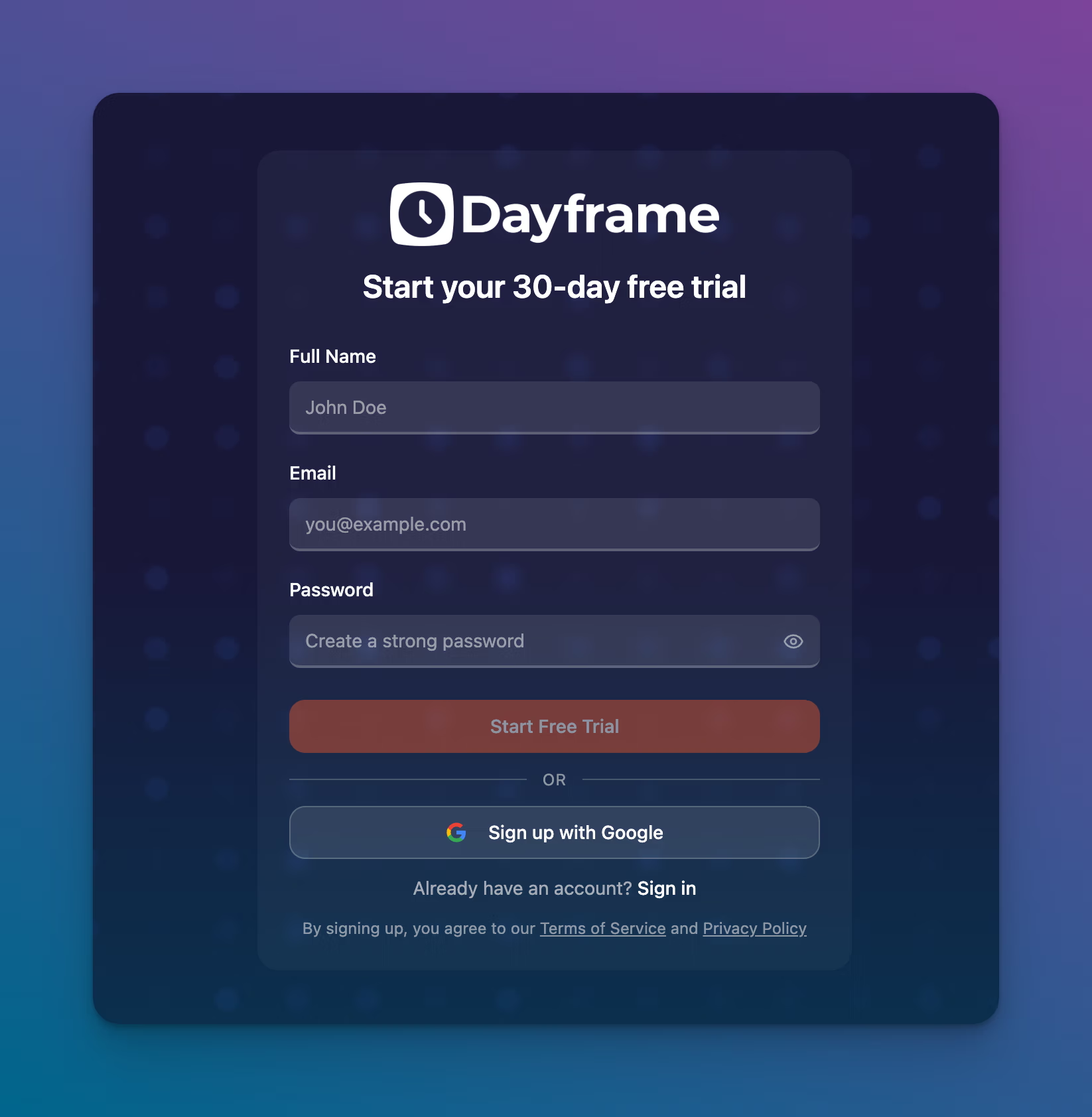
Enter your full name, email address, and a password.
Check your email for a confirmation link and click it to verify your account.
You're in. Your free trial starts immediately — 30 days, full access, no credit card required.
Setting up your profile
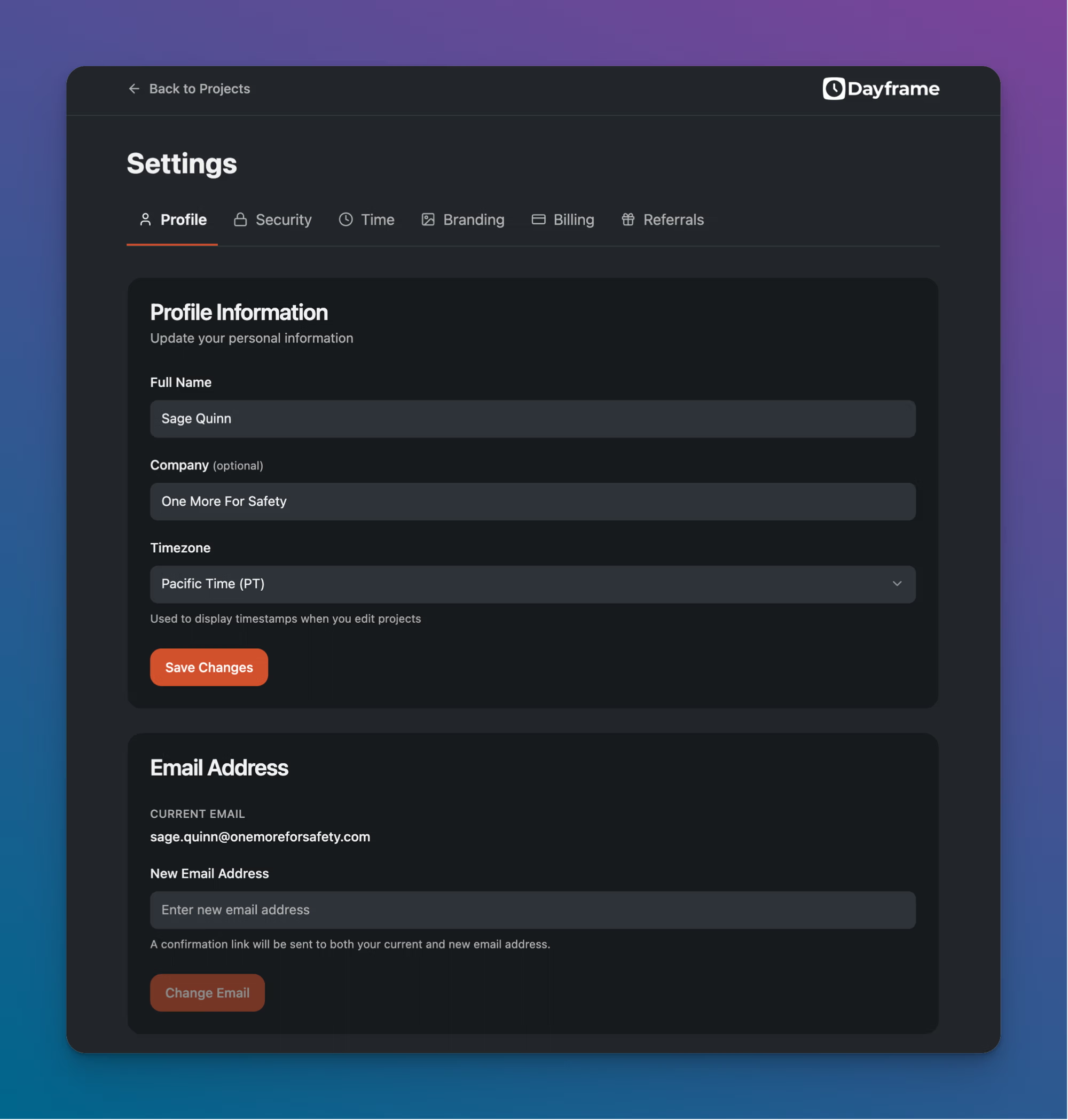
Once you're logged in, head to Settings → Profile to fill in your details:
Full Name — displayed on your account and in project invitation emails.
Company(optional) — your production company or organization.
Timezone — used to display timestamps when you edit projects. Set this to your local timezone.
Click Save Changes when you're done.
Tips
Your timezone setting affects how timestamps display in your projects. If you're working across time zones, set this to the timezone where you're based.
You can change your email address anytime from the Profile tab. A confirmation link will be sent to both your current and new email.