Cancel anytime. Your account stays active through the end of your billing period.
If you need to cancel your Dayframe subscription, you can do it in a few clicks through the Stripe Customer Portal. No emails, no phone calls, no hoops.
Steps
Go to Settings → Billing.
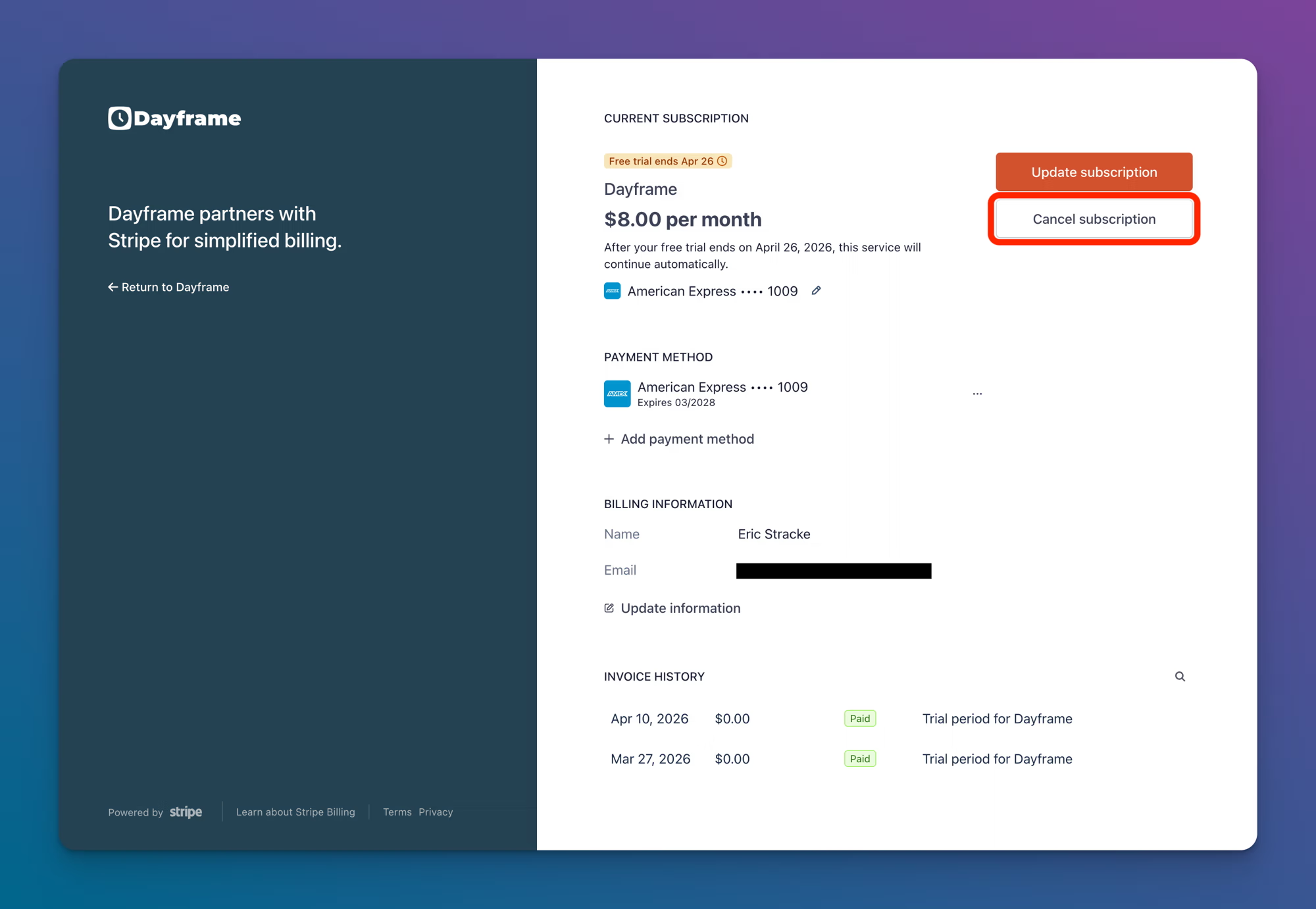
Click Manage Subscription. This opens the Stripe Customer Portal.
Click Cancel subscription.
Follow the prompts to confirm.
What happens after you cancel
Immediate: Your subscription is marked for cancellation, but nothing changes right away.
End of billing period: Your account transitions to read-only mode. All your projects, schedules, and data remain intact. You can still view everything, but you cannot create or modify projects or schedules.
Reactivation: You can resubscribe at any time from Settings → Billing. When you do, your account returns to full access and all your existing data is right where you left it.
Your data is never deleted as a result of cancellation.
Tips
If you're on an annual plan and cancel mid-year, your access continues through the end of the annual period you've already paid for.
Consider switching to annual billing before canceling if cost is the issue. The annual plan is $80/year (2 months free) compared to $8/month.